

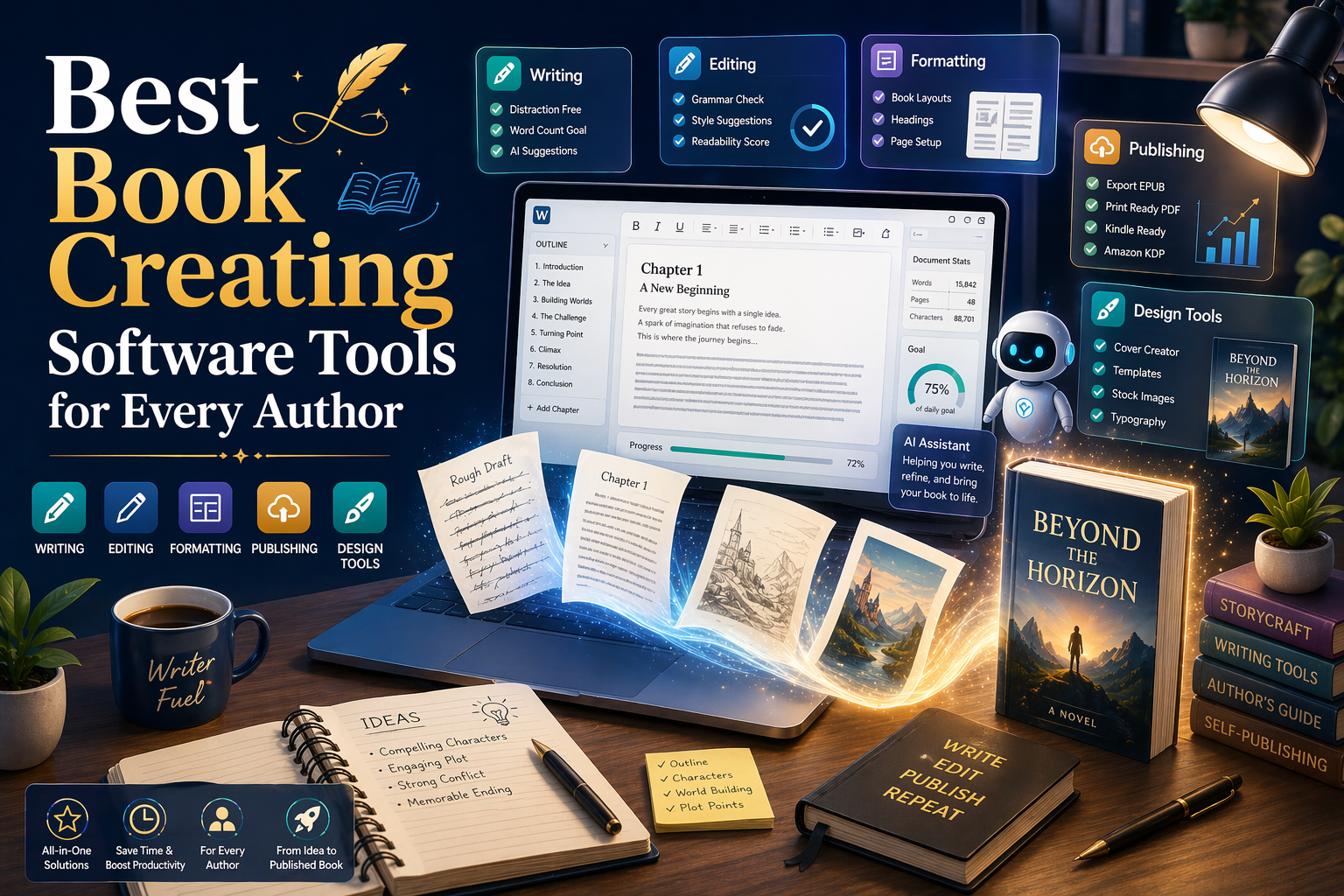
Writers in 2026 have more freedom than ever to shape their publishing journey. Whether you want to build a novel from scratch or design a children’s picture book, there’s a tool that fits exactly what you need. But with so many options, it’s easy to waste time and money on software that doesn’t help your workflow. The key is knowing what each tool does best, how it fits into your process, and whether it’s worth the learning curve or cost. This guide gives you a real look at what today’s most trusted book creation software tools can do, especially when you’re using software to make ebooks that look clean and publish-ready.
1. Scrivener
Scrivener is great for writers who want more control over how they organize big projects. You can split your book into sections, move parts around, and keep research, outlines, and notes right beside your draft. Its binder and corkboard views make it easy to plan without scrolling through a huge document.
You can also customize your workspace and track progress by session or chapter. Once you’re ready, you can export to Word, PDF, or EPUB. It takes some getting used to, but once it clicks, it runs smoothly like the best software to write a book. Scrivener also fits well into your book marketing strategies, especially if you’re managing more than one project.
Pros:
- Keeps research and writing in one place
- Flexible for all stages of writing
- Built-in goal tracking and formatting tools
Cons:
- Clunky syncing between desktop and mobile
- Requires time to learn its layout
2. Atticus
Atticus is made for writers who want to draft and format their books in the same place. Its clean, simple layout helps you focus, and you can use it online or download it to work offline. You don’t need extra tools to format for Kindle, EPUB, or print.
The visual editor makes it easy to style your book without coding. Just drag, drop, and edit. It’s a popular choice among top book marketing services because it keeps things simple and gets the job done. While it may not offer everything InDesign does, Atticus covers what most indie authors need and works like the best software to write a book.
Pros:
- Combines writing and formatting in one space
- Easy exports to EPUB and PDF
- Modern design with frequent updates
Cons:
- Still new, features in development
- No advanced layout options yet
3. Vellum
Vellum is made for writers who want clean, professional formatting without the extra steps. You upload your draft, pick a style, and instantly preview how it will look on different screens or in print. Everything from fonts to spacing and layout is handled for you.
It only runs on Mac, which can be limiting, but if you have access, it’s easy to use. Many children’s authors love how well it manages images and spacing with almost no tweaking. That’s why children’s book marketing services often recommend it as reliable software for writing a book, especially when looks matter just as much as content in the final product.
Pros:
- Elegant formatting for both print and digital
- Real-time preview across device types
- Simple interface and no coding needed
Cons:
- Mac-only, not available for Windows
- Higher upfront cost for full license
4. Microsoft Word
Microsoft Word stays popular because it’s easy to use, comes installed on most computers, and works offline. You can save your draft in DOC or DOCX format, which makes sharing with editors or publishers simple. It remains a go-to tool for writing and collaboration, especially for writers just starting.
It may not include advanced software for writing a book features, but you can still format chapters, apply styles, and insert breaks manually. Word also supports tracked changes and comments, which help during editing. It’s still a trusted pick for many, including any Christian book writer who wants full control without switching tools or learning a new platform.
Pros:
- Familiar and available on most devices
- Works well for edits and revisions
- Compatible with most publishing platforms
Cons:
- Not built for book formatting
- Files can become unstable when large
5. Google Docs
Google Docs gives you a fast, simple way to write and collaborate from anywhere. Since it’s cloud-based, you never have to worry about saving your work. You can easily share drafts with beta readers or editors and get real-time feedback through comments and suggestions.
For solo writing, the layout stays clean and distraction-free. It auto-saves everything and syncs across all your devices. While it doesn’t offer full publishing tools, it’s ideal for draft editing. Many choose it as the best app to write a book on laptop without needing downloads. When you’re ready to format, just export your file to something like Vellum or Atticus.
Pros:
- Free and works across all devices
- Real-time collaboration with live comments
- Auto-saves are easy to access anywhere
Cons:
- Limited export and formatting options
- Slows down with very large documents
6. Reedsy Book Editor
Reedsy Book Editor is great for writers who want professional formatting without an upfront cost. It’s an online tool where you can write, paste your manuscript and apply clean chapter breaks. The layout options look sharp, and you can preview your book before exporting it for print or digital platforms.
You can also invite editors to work right inside your file, like Google Docs or any software for writing a book with built-in collaboration. The final export comes in PDF or EPUB with proper spacing, margins, and fonts. Reedsy is perfect for authors who want teamwork without paying for tools, especially when planning a strong book launch marketing strategy.
Pros:
- Free and easy to use formatting
- Professional exports with minimal setup
- Supports collaboration with editors and proofreaders
Cons:
- Requires internet for access and editing
- Fewer style choices compared to paid tools
7. yWriter
yWriter was created by an author, and it shows. It splits your novel into scenes and chapters, letting you move them around without losing your place. It’s ideal for writers who think in fragments or write out of order. You can add notes, character bios, and scene goals to stay organized as your story grows.
The interface feels dated, but the features are strong. It doesn’t come with flashy fonts or formatting tools, but it does help you stay focused on structure. It’s especially useful if you’re building a long series or complex plot and need the best software to write a book that supports structured storytelling.
Pros:
- Strong scene organization and chapter control
- Free to use, no purchase required
- Designed by a novelist for novelists
Cons:
- Outdated interface feels clunky
- Not suitable for final formatting or export
8. Canva
Canva is known for graphic design, but it helps authors too. You can make book covers, promo images, social posts, or page designs using simple drag-and-drop tools. It includes ready templates for Kindle covers and ads. If you’re learning how to promote your low-content books, Canva is one of the best tools to try.
The free version offers a lot, but the Pro plan adds more fonts, images, and resize tools. You can upload your own designs or use Canva’s stock art. It’s an easy way to give your book a strong visual style, whether you’re selling online or printing flyers for local book events or signings.
Pros:
- Easy drag-and-drop design for beginners
- Great templates for covers and promos
- Works on browser, tablet, or phone
Cons:
- Limited precision for print layout sizing
- Pro features require a monthly subscription
9. Adobe InDesign
Adobe InDesign is a professional layout tool used by publishers for its detailed design control. You can manage margins, fonts, columns, and even book covers with precision. That’s why it’s often used when creating complex layouts like the best book on marketing strategy or any title needing polished visuals.
It’s ideal for authors with layout experience or those using the best app to write a book on laptop with full design features. It’s not as simple as basic writing tools, but it works well for final formatting. InDesign is a strong choice for illustrated books, nonfiction with charts, or any book needing a clean, professional finish before printing.
Pros:
- Print-ready layouts with complete design freedom
- Ideal for image-heavy or styled documents
- Industry-standard tool trusted by professionals
Cons:
- Steep learning curve for new users
- Requires a paid monthly Adobe subscription
10. Calibre
Calibre is a free, open-source option for authors who need software to make ebooks easily. You can convert your book to formats like EPUB, MOBI, or PDF, edit metadata, add a cover, and preview it on different devices. It’s a helpful tool for checking formatting before publishing.
While not made for writing, Calibre is helpful once your draft is done. It gives you control over how your book appears on Kindle, Kobo, or other readers. You can also make bulk edits or convert several files at once. It’s especially helpful for authors with multiple editions or formats who want full control without paying for extra tools.
Pros:
- Supports all major ebook file formats
- Free to use with frequent updates
- Helps fix formatting across all devices
Cons:
- Interface feels outdated and clunky
- Not ideal for writing or editing content
11. Ulysses
Ulysses is a clean, focused writing app built for Apple users. It offers a distraction-free space that helps you concentrate, which is why it’s often used by authors working with a Christian book marketing service. The minimal layout fades everything except your current writing, helping you stay in the zone.
It syncs easily across Mac, iPad, and iPhone, so you can write from anywhere. Markdown lets you format while writing, and you can export your work as PDF or EPUB. It’s great for bloggers, essay writers, or authors who like simple tools that still support structure. It’s a calm, flexible option for those who write on the move.
Pros:
- Syncs smoothly across all Apple devices
- Simple design keeps the writing environment clean
- Markdown formatting for fast content structuring
Cons:
- Not available on Windows or Android
- Requires subscription for full feature access
12. Plottr
Plottr is a visual planning tool for writers who like to organize before they start writing. You can build timelines, map out chapters, and plan your story in a way that’s easy to follow. It’s great for staying clear and focused early, especially with today’s book marketing trends.
Writers who create series or complex stories really benefit from it. You can color-code your plots, keep track of characters, and use ready-made templates. If your notes usually get messy, Plottr helps keep everything in one place. It also works well with software to make ebooks, making it easier to turn your outline into a clear, finished book.
Pros:
- A visual timeline helps organize story events
- Templates included for common plot structures
- Easily drag-and-drop scenes and chapters
Cons:
- Not a full writing or editing tool
- Takes time to build scene elements
13. Grammarly
Grammarly helps you clean up your book before anyone else sees it. It works in browsers, Word, and other tools, spotting grammar issues and style problems as you write. It’s one of the best marketing tools for keeping your tone clear and professional from the start.
Its tone check feature helps you stay consistent, and the clarity suggestions remove extra words. While it’s not a full editor, it still catches things most writers miss. Many authors use it to polish blurbs, ads, or landing pages before starting their book marketing campaigns, making sure everything reads smoothly and makes the right first impression.
Pros:
- Real-time grammar and clarity suggestions
- Browser and app integration is seamless
- Tone detector helps refine writing style
Cons:
- Sometimes flags intentional stylistic choices
- Full version requires a monthly subscription
14. ProWritingAid
ProWritingAid is a deep editing tool that checks grammar, flow, and style. It goes beyond surface errors, showing you sentence issues, repeated words, and writing habits. The best software to write a book helps with real revision, and this tool does that well before you send work to an editor.
It points out passive voice, weak transitions, and repetition, which makes it one of the best book marketing tools for authors who care about clean writing. Unlike Grammarly, it gives more control over what you want to review. You can also pick your genre, and it adjusts the feedback to match your writing style and tone.
Pros:
- Detailed editing reports improve draft quality
- Adjusts suggestions based on writing genre
- One-time lifetime license option available
Cons:
- Interface feels heavier than Grammarly’s
- Takes longer to process large drafts
15. Campfire
Campfire is a story planning tool made for fiction writers who build big worlds. You can map timelines, track settings, and build character arcs, which helps a lot when working with a children’s book marketing service. It’s especially useful for series or stories with rich, detailed worlds.
Campfire uses a modular setup, so you only work with what you need. If you’re not writing about magic or complex systems, you can skip those parts. It’s a great fit for authors writing fantasy, sci-fi, or any story with lots of moving parts. It helps you stay organized without feeling overwhelmed while building your fictional universe.
Pros:
- The modular system fits any story workflow
- Helps manage characters, plots, and settings
- Perfect for world-building and complex arcs
Cons:
- Maybe too much for simple stories
- Can feel overwhelming with too many modules
How to Choose the Best Book Creating Software for Your Needs
The best book software depends on what you’re writing. A nonfiction guide, a fantasy novel, or a children’s book will each need different tools. Some writers need help with design, others focus more on structure or formatting. Choose what fits your project, not what’s trending. Your writing style matters too. If you outline before writing, look for tools that support that. If you write freely, pick something simple. Also conthe sider budget and device. Some tools are Mac-only, some run in browsers, and others are one-time purchases.
Most writers get better results using a mix of tools. A novelist might use Scrivener to draft, Canva for design, and Grammarly for edits. Fantasy writers often plan with Plottr, build worlds in Campfire, and format using Atticus. Fast indie authors might write in Reedsy, deliver with BookFunnel, and promote through Amazon Ads. These combinations keep things simple and cost-effective. Try what fits your style and workflow best. The right mix makes book creation smoother from start to finish.
Platforms Where These Tools Shine for Book Marketing
Many of these tools make it easy to prepare files for Amazon KDP, Draft2Digital, or IngramSpark without needing extra formatting. When you’re ready to publish, this saves hours. Canva helps you design covers, promo graphics, and A+ content that work across platforms, much like the best app to write a book on laptop should support your full workflow. It gives your book the visual edge it needs to stand out. Grammarly isn’t just for editing chapters. It sharpens the text for ad campaigns, blurbs, and even social media. A clean message builds reader trust faster. Try this strategy to sharpen book marketing copy.
Final Takeaways
The right tools do more than just make writing easier. They free up time, fix mistakes faster, and give you a smoother path from idea to publication. When you’re not stuck on formatting or design, or wasting time with clunky software for writing a book, you can focus more on telling the story right. Using tools that fit your process makes your books better without slowing you down. Self-publishing is more effective when your system is solid. You don’t need to spend more. You just need the right support in the right places. In 2026, book creation is powered by tools that streamline the author journey, from writing and design to formatting and publishing.
